Instances & Players
The Instances & Players panel is for the people who run a game with a group: a teacher with a class, a museum educator with a visiting group, a facilitator at an event. It shows how each player did, element by element.
Instances
A list of the instances with players in the current selection: their players, how many completed the game, when the first player joined, the last activity, and the world status. Click an instance to open its report.
Report across all instances builds the same report for every player of the version (within the filters), with an Instance column.
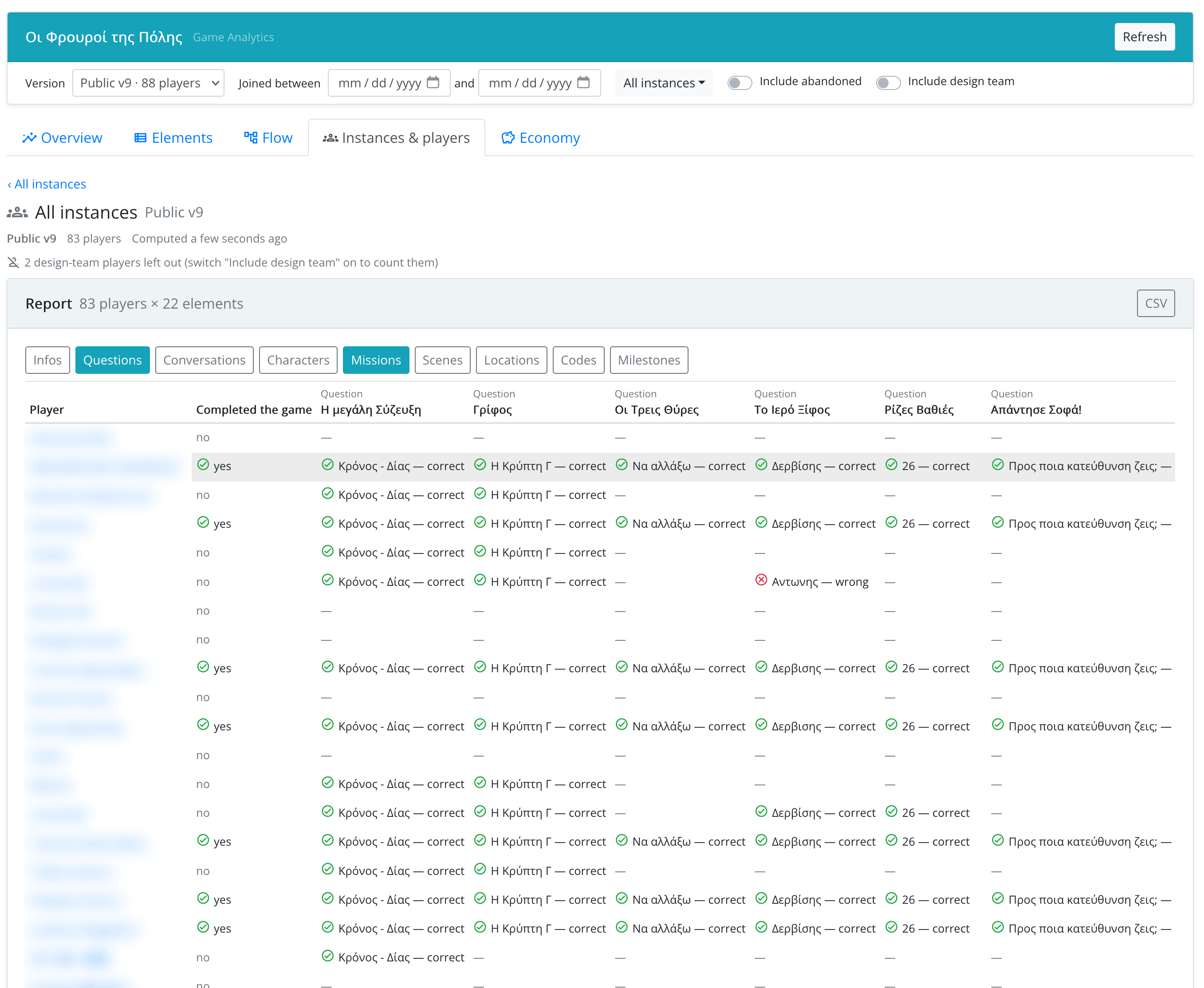
The Instance Report
The report is a table with one row per player and one column per element:
- for a question, the player's answer and whether it was correct;
- for a quiz, the player's score;
- for everything else, whether the player did it (and when).
Choose which element types to show with the chips above the table (questions, quizzes and missions by default). A last row shows how many players reached each element. CSV downloads the columns on screen.
Player Timeline
Click a player to see their timeline: everything they did, in order and grouped by day (e.g. entered scene "…", was asked question "…", answered quiz "…" — question "…", completed mission "…"). Gaps of more than 10 minutes are marked. CSV downloads it.
Times come from the player's device clock. The game keeps only the latest record of each element, so an element the player came back to shows only the last time.